
Create a custom scroll bar for your webpage instantly
Shows a visual indicator of how far down the page the user has scrolled. Customize the style and go live today!
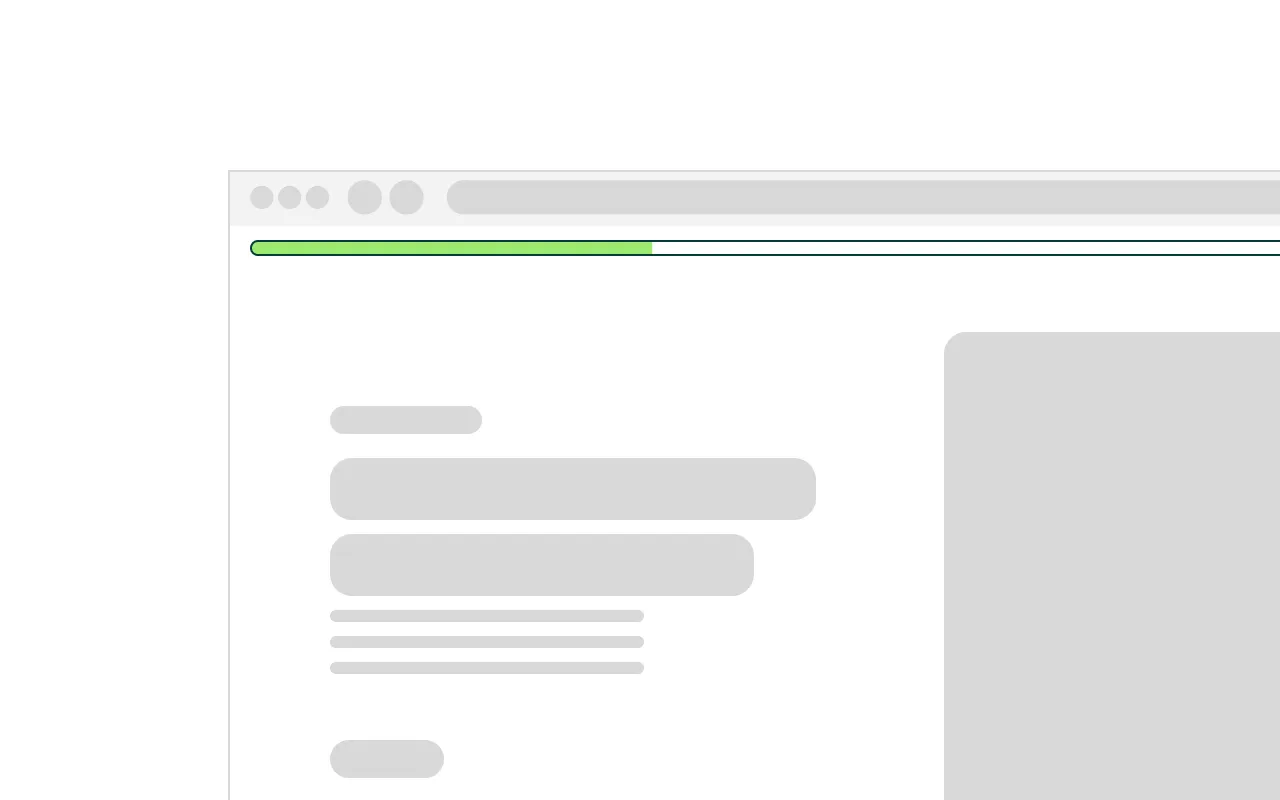
Webflow has no built-in way to show readers how far down a page they have scrolled. For long form content - blog posts, case studies, long landing pages - a reading progress indicator gives users a clear sense of where they are and how much is left. Adding one in Webflow without a kit means writing custom JavaScript to listen to scroll events and manually calculate and update a progress element on every frame.
The Fractional ScrollBar Kit solves this with a single lightweight script and two custom attributes applied directly in the Webflow Designer.
Here is what you need to know:
- The Fractional ScrollBar Kit works with two elements - a track and a train. The track is the outer container that defines the full width of the progress bar. The train is the inner element that grows from left to right as the user scrolls. Both are standard Webflow div elements that you style entirely in the Designer - colours, height, position, and border radius are all yours to control.
- The progress calculation is based on the full scrollable length of the page. As the user scrolls the train width updates as a percentage of how far through the page they are. At the top the train is at zero percent. At the bottom it is at one hundred percent.
- The bar updates smoothly on every scroll event with a subtle easing transition applied automatically by the kit. No configuration is required - the transition is handled without any additional attributes.
- The Fractional ScrollBar Kit is typically placed in a fixed navbar or pinned to the top of the page so it remains visible as the user scrolls. However it works on any element anywhere on the page -position and placement are entirely controlled in Webflow.
- The Fractional ScrollBar Kit uses a passive scroll event listener which means it never blocks the browser's native scrolling behaviour. Page performance and scroll smoothness are completely unaffected.
- The Fractional ScrollBar Kit is fully GDPR, CCPA, and PIPEDA compliant. It sets no cookies, makes no external requests, and collects no personal data of its own.
Add this <script> inside the <head> tag of your page
You can also add this script to your project settings if you plan on having a scroll bar on every page!
<!-- This script is to show a page scroll progress indicator - Managed by Fractional Creative -->
<script data-fc="scrollprogress" data-fc-version="1.0.0" data-fc-consent="essential" src="https://cdn.fractionalcreative.io/kits@1/kits.js"></script>Add these required custom attributes
Everything you’re probably wondering.
Need more than a Webflow Kit? Hire a Digital Agency.
Fractional Creative is a digital agency. We build Webflow websites, design brands, manage Meta and Google ad campaigns, and build custom automations, and more. Start saving with Fractional services.