Automate your Copyright year
Update any text element on your Webflow site to the current year on every page load. One attribute. No code. Added once - never thought about again.
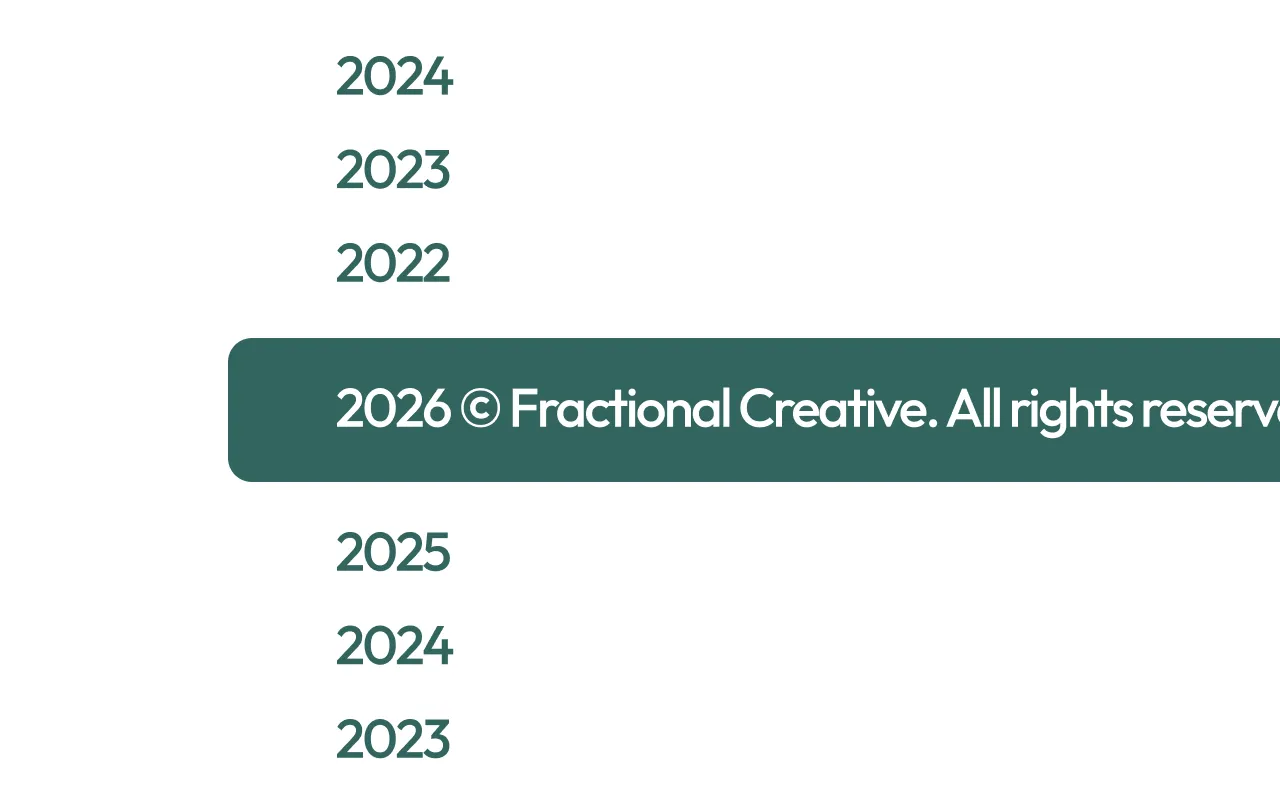
Webflow doesn't update your copyright year automatically. Every January, someone has to open the Designer, find the footer, change the year, and republish -on every site they manage. It's a small task, but it's the kind of thing that gets missed.
The Fractional AutoYear Kit solves this with a single lightweight script and one custom attribute applied directly in Webflow Designer.
Here's what you need to know:
- This solution works by adding a single custom attribute to any text element in your Webflow project. The script reads that attribute on page load and replaces the element's content with the current year - automatically, every time the page loads.
- It works on any text element anywhere on your site — footers, legal pages, terms and conditions, anywhere a year appears. Add the attribute to as many elements as needed and all of them stay current without any additional setup.
- There's nothing to configure, no settings to manage, and no dashboard to log into. Once the attribute is applied the kit handles everything silently in the background. Always updating to the current year.
- The kit is fully GDPR, CCPA, and PIPEDA compliant. It sets no cookies, makes no external requests, and collects no data of its own.
Add this <script> inside the <head> tag of your project (site settings)
This script is the universal script: you only need to include it once, even if you have multiple instances on the page.
<!-- This script is to auto update the copyright year - Managed by Fractional Creative -->
<script data-fc="autoyear" data-fc-version="1.0.0" data-fc-consent="essential" src="https://cdn.fractionalcreative.io/kits@1/kits.js"></script>Add this required custom attribute
Without the Kit
With the Kit
Everything you’re probably wondering.
Need more than a Webflow Kit? Hire a Digital Agency.
Fractional Creative is a digital agency. We build Webflow websites, design brands, manage Meta and Google ad campaigns, and build custom automations, and more. Start saving with Fractional services.